

Fast and stable internet is essential for modern life, supporting everything from remote work and online gaming to streaming entertainment. However, a significant number of people don't know their actual internet speeds. According to Allconnect, 36% of Americans are unsure what speed they have.
Slow connections can lead to buffering, dropped calls, and slow downloads. Performing an internet speed test is crucial for identifying issues such as outdated equipment or network congestion and confirming that you're receiving the speeds you pay for. Internet speed can fluctuate based on network congestion, router quality, and provider performance. This guide will help you understand what defines good and fast internet and introduce the best tools to measure it.
Key Takeaways
- Why Test Your Speed?: Regularly checking your internet speed helps you confirm you're getting the service you pay for and identify potential issues.
- Top Speed Test Websites: We'll review the best tools to measure your internet speed, including popular options like TestMySpeed.com.
- Understanding Your Results: Learn what key metrics like download speed, upload speed, ping, and jitter mean for your internet performance.
- What is a "Good" Speed?: Define a “good” internet speed for everyday tasks like streaming, browsing, and working from home.
- Gaming and High-Demand Needs: Discover the specific internet speeds recommended for seamless online gaming and other high-bandwidth activities.
- Find the Fastest Options: Learn how to determine the fastest internet speed available and how to find the fastest internet speed in my area.
You Ran the Test. You Saw the Number. Now Do Something About It.
If Your Results Aren't Where They Should Be, the Problem May Be Your Provider.
A speed test tells you what you're getting. BroadbandSearch tells you what else is available. Enter your zip and compare every ISP in your area against what you're currently receiving.
Your zip codeCompare Providers
How We Chose Our Top Pick
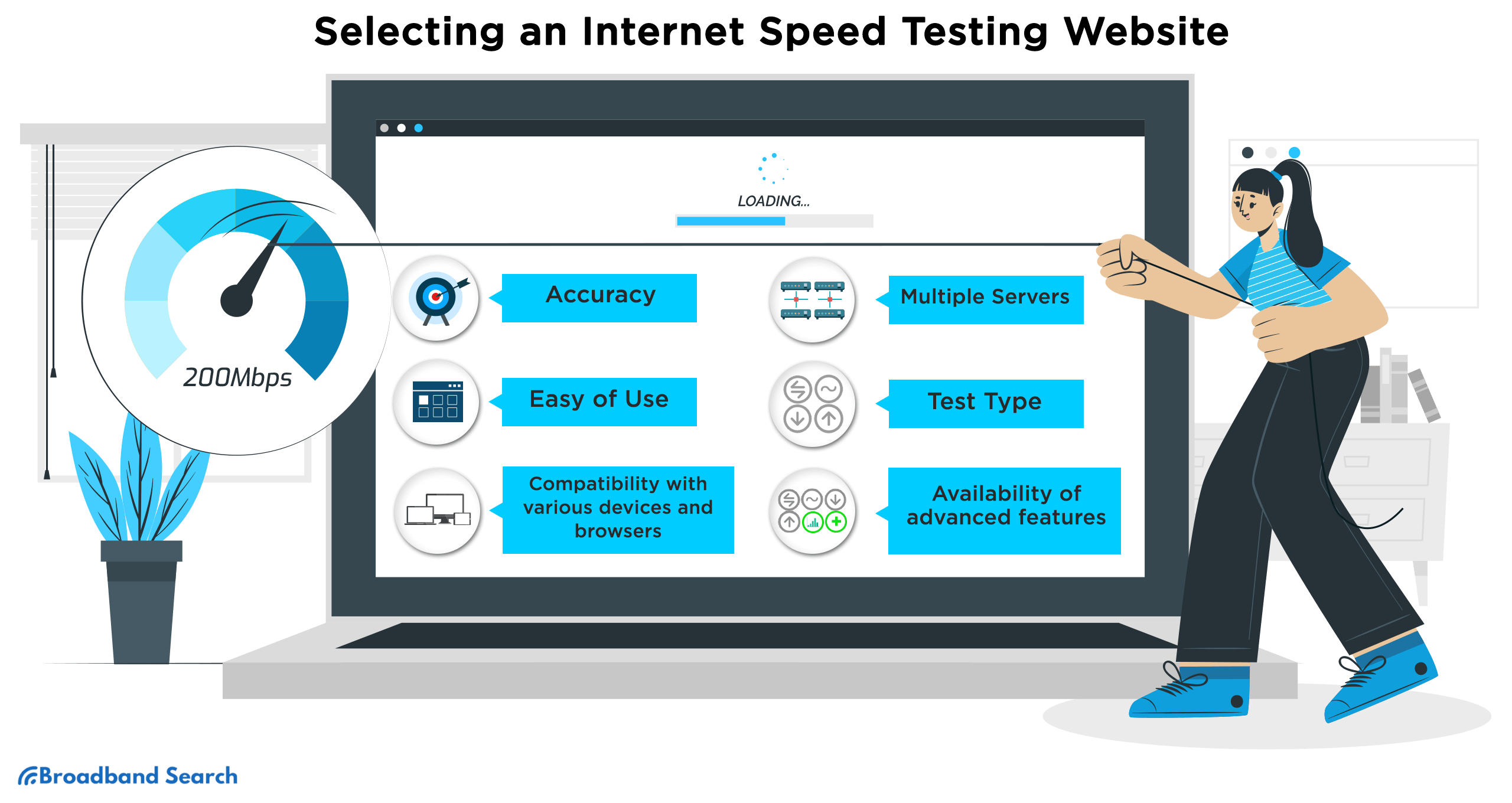
We evaluated each speed test site on four criteria: accuracy and consistency across repeated tests, depth of reporting (does it break down download, upload, ping, and jitter, or just give you a single number?), ease of use (no forced app downloads, minimal ads, clear results), and device compatibility (does it work as well on mobile as desktop?).
Our pick: TestMySpeed.com. It's the only tool on this list that combines all four: detailed multi-metric reporting (not just download speed), a global server network for consistent results regardless of location, quick, straightforward operation, and a clean interface that works equally well on mobile and desktop. Ookla is the better-known name and a solid runner-up, but its free experience surfaces more ads and upsells than TestMySpeed's.
The 10 Best Internet Speed Test Sites
Are you getting the internet speeds you pay for? Many users wonder the same. With numerous speed test sites available, finding the most reliable one can be tricky. We've tested and researched to bring you the best options. These trusted tools help you check your speeds and spot any connection issues affecting your plan.
Best Internet Speed Test: TestMyspeed.com
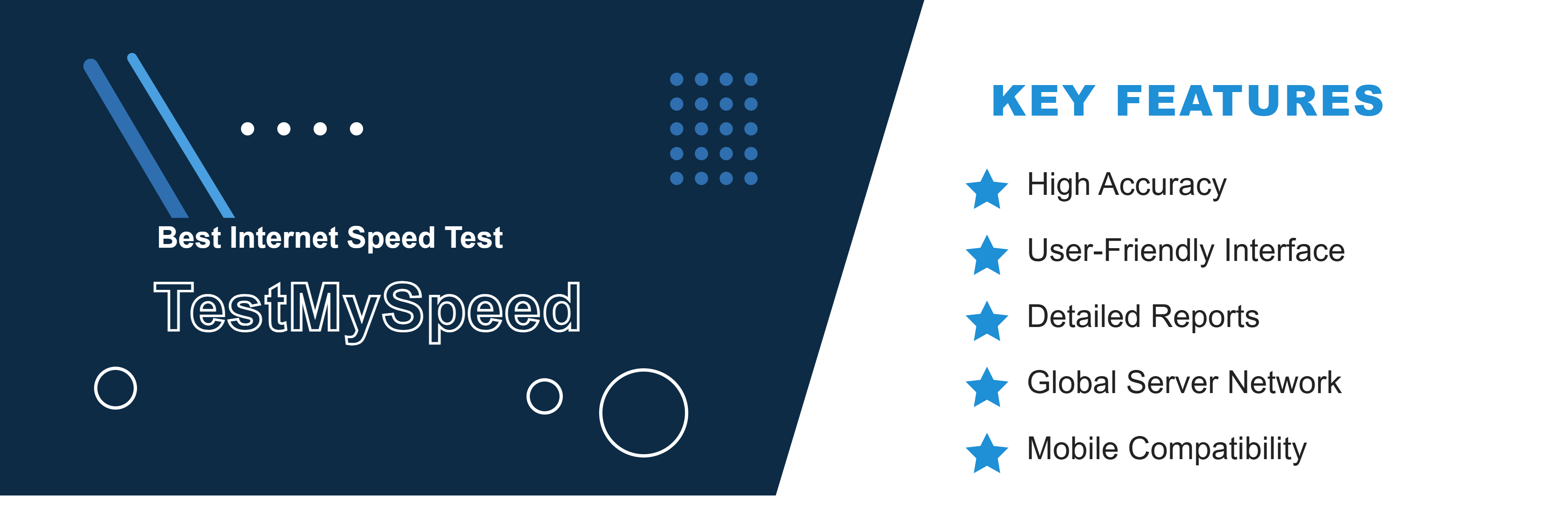
TestMySpeed.com provides a comprehensive analysis of your internet speed, offering detailed insights and user-friendly features for an optimal testing experience.
Key Features:
- High Accuracy: Consistent and precise speed test results using advanced algorithms.
- User-Friendly Interface: Simple and intuitive design for easy navigation.
- Detailed Reports: Includes download speed, upload speed, ping, and jitter for a complete overview.
- Global Server Network: Ensures accurate results wherever you are
- Mobile Compatibility: Optimized for desktop and mobile devices.
You can perform a speed test on TestMySpeed.com by visiting their website or using the mobile app.
Most Well-known: Speedtest by Ookla
Ookla is a well-known speed test site that has been conducting internet speed tests since 2006. With over 50 billion speed tests conducted,, Ookla is the best known speed test site in the world.
Key features:
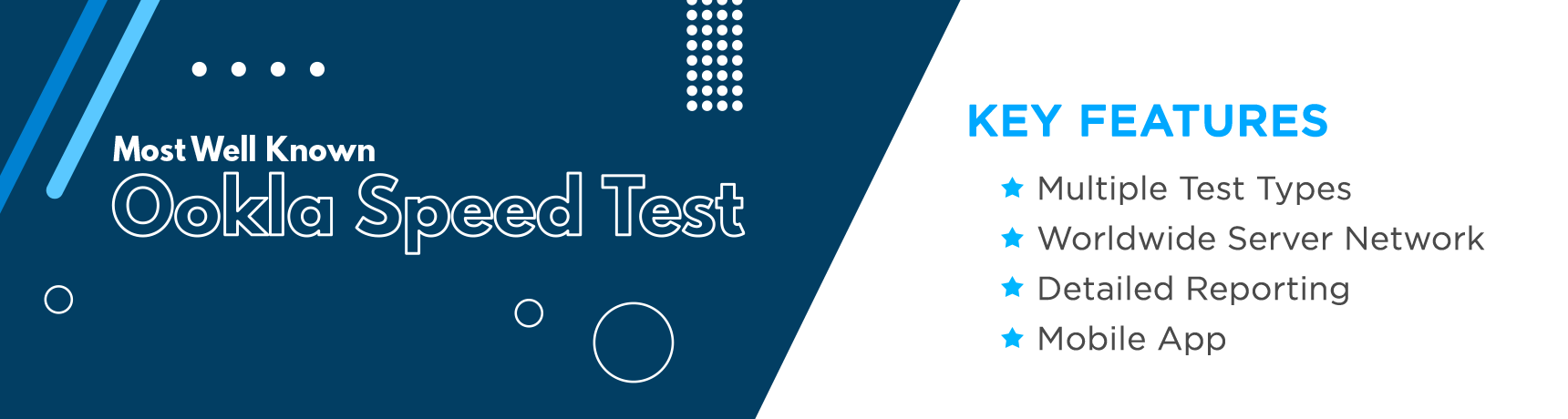
- Multiple Test Types: Ookla Speed Test offers multiple test types, including a standard test that measures your internet speed and a more detailed test that provides additional insights into your internet connection's performance.
- Worldwide Server Network: Ookla has a vast network of servers worldwide, ensuring that users can get accurate results from wherever they are.
- Detailed Reporting: The site generates comprehensive reports providing detailed information about internet speed, including download and upload speeds, latency, and jitter. Users can use this information to diagnose any issues with their internet connection and work with their internet service provider to resolve them.
- Mobile App: Ookla Speed Test has a mobile app for Android and iOS, enabling users to test their internet speeds on the go.
To try the Ookla Speed Test, click here.
Ultra-fast Internet Testing: Google Fiber Internet Speed Test
Google Fiber Speed Test is a highly efficient and reliable tool for testing internet speeds it offers unparalleled speed and accuracy and provides real-time results. It is especially useful for those who encounter buffering or connectivity issues when streaming videos or online gaming.
Key features:
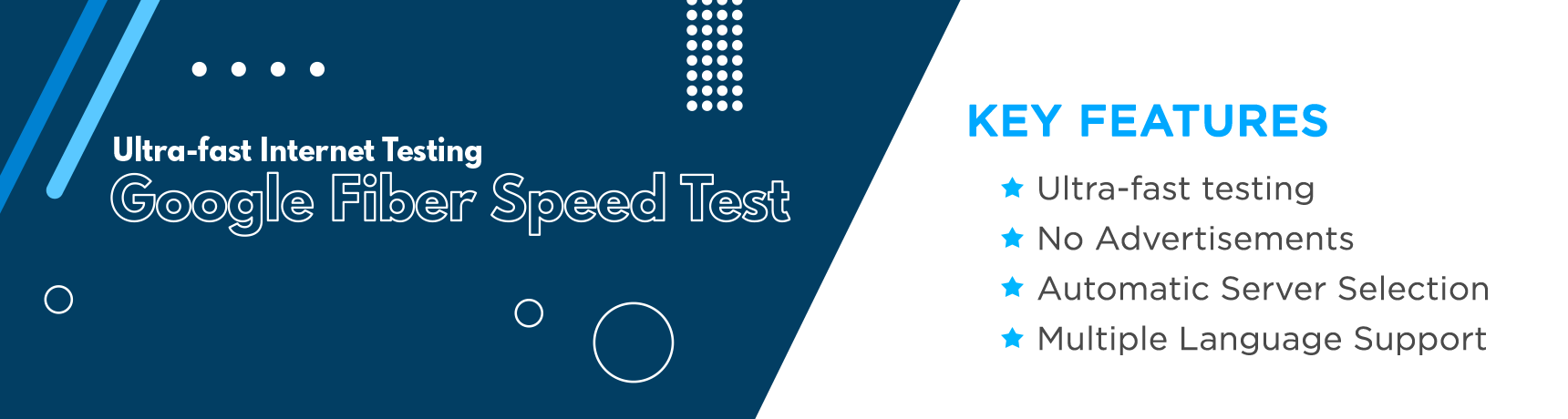
- Ultra-fast Testing: Google Fiber Speed Test provides ultra-fast internet testing, with the full test taking just about 10 to 15 seconds.
- No Advertisements: The site has no advertisements, providing a streamlined testing experience.
- Automatic Server Selection: The site automatically selects the closest server to your location, ensuring that you get the most accurate results.
- Multiple Language Support: The site supports multiple languages, making it accessible to users worldwide.
To check your internet speed on Google Fiber Speed Test, click here.
Most Accurate: TestMy.net
TestMy.net is a highly accurate speed test tool that stands out from other sites for using of HTML5 rather than Flash or Java. This allows for more precise and reliable testing, earning it the title of "most accurate." Additionally, TestMy.net offers a variety of testing options, including download, upload, and latency tests, as well as the ability to customize the test's size and duration.
Key features:
- Multiple Diagnostics Tests: Provides a variety of testing options, including download, upload, and latency tests
- Personalized Tests: Customizable test sizes and durations for more personalized testing
- Zero Advertisements: No ads or pop-ups for a seamless testing experience
- Downloadable Results: Test results are available for download and can be easily shared with others
To diagnose your internet access on TestMy.net, click here.
Best for Streamers: Fast.com
Fast.com is a speed test website that measures the download speed of a user's internet connection. It is a free speed test tool offered by Netflix, a leading provider of streaming video content.
Key features:
- Dedicated for Streaming: Fast.com is specifically designed to test your internet speed for streaming services like Netflix, ensuring the best possible experience for streaming video content.
- Ad-free: Fast.com is completely ad-free, offering a streamlined, easy-to-use interface for testing your internet speed.
- Simple and Easy-to-Use: With Fast.com, you can start the test with just a single click, making it a straightforward and hassle-free experience.
- Trusted by the Industry: As a tool created by Netflix, Fast.com is trusted by the industry for its accuracy and reliability in measuring internet speed for streaming services.
To check your internet connection with Fast.com, click here, and the test will begin automatically.
Most User Friendly: SpeedOf.Me
SpeedOf.Me is known for its user-friendly interface and unique features that set it apart from other speed test sites. The site partners with NordVPN, providing users with an additional layer of security when performing speed tests.
Key features:
- Simple and Fun Interface: SpeedOf.Me offers a user-friendly and straightforward interface that is easy to use and understand.
- HTML5-based Testing: Unlike other speed test sites, SpeedOf.Me uses HTML5-based testing, making it more reliable and accurate.
- Mobile Compatibility: SpeedOf.Me is optimized for use on mobile devices, making it easy to test your internet speeds on the go.
- Results History: The site saves your test results, allowing you to track how your internet speeds have fared over time.
Most Detailed Analysis: SpeedSmart
SpeedSmart provides the most detailed analysis of your internet speed. Additionally, it offers a tool that lets you compare your connection with others in your area or across the country.
Key features:
- Intensive Speedtest Results: Complete speed test history is kept for review, including SSID, location, data usage, and more. Detailed reports include upload and download speeds, ping times, and network information
- Speed Comparison Tool: This lets you see how your connection fares against others in your area or across the country
- Offers a mobile app for testing on the go
- Results can be easily shared with others for troubleshooting and analysis
You can do a speed test on SpeedSmart by clicking here.
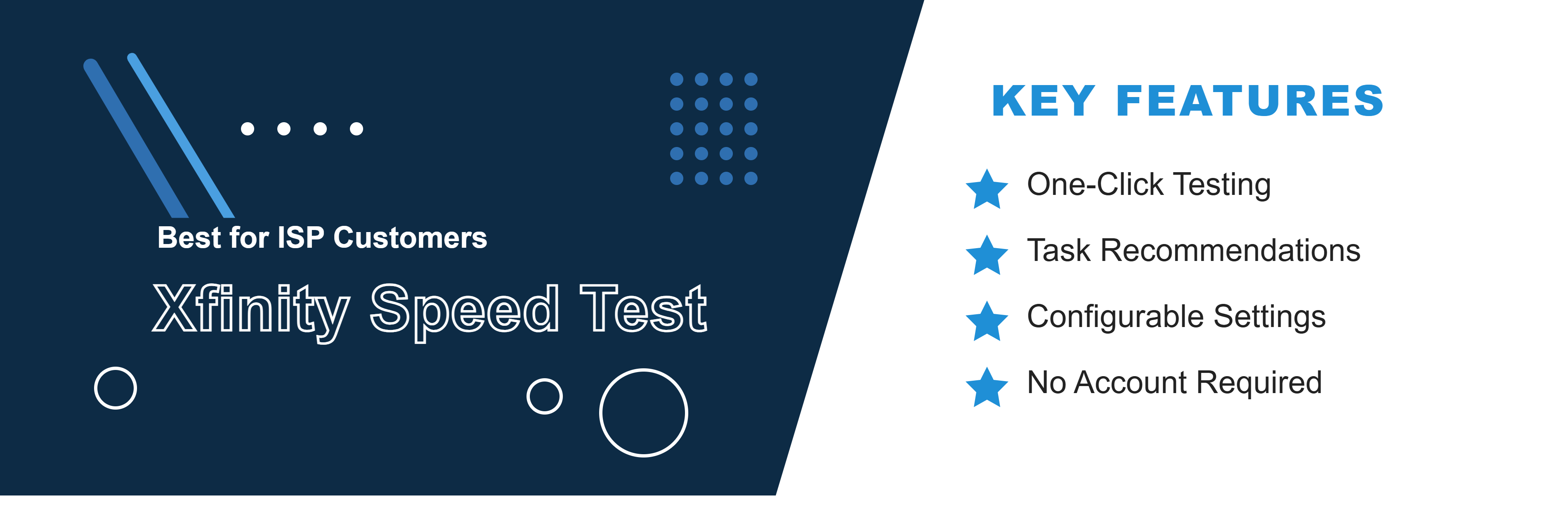
Best for ISP Customers: Xfinity Speed Test
Xfinity's speed test lets you check your connection speed directly through your provider's own tool, and you don't need to be an Xfinity customer to use it. It's a useful second opinion to compare against third-party results.
Key features:
- One-Click Testing: A simple interface shows download speed by default, with an option to expand to include upload speed and latency.
- Task Recommendations: Tells you what activities (streaming, gaming, video calls) your current speed supports.
- Configurable Settings: Choose between IPv4 and IPv6, or select a specific host server.
- No Account Required: Works for customers of any provider, not just Xfinity's.
To try the Xfinity Speed Test, click here.
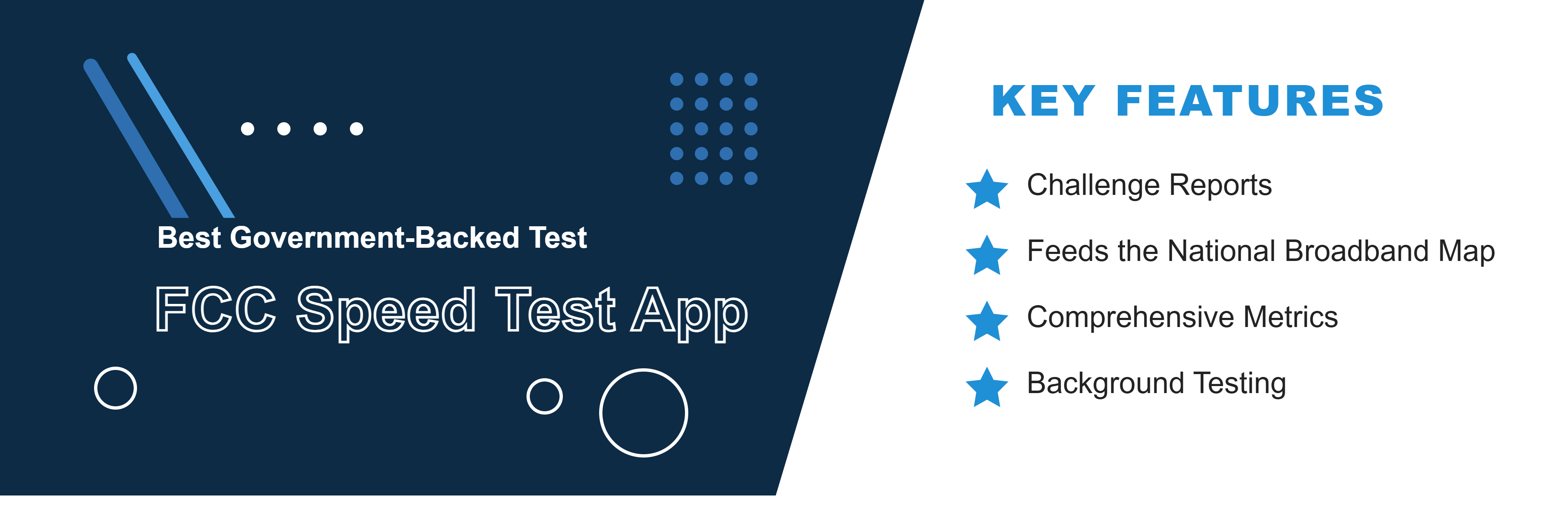
Best Government-Backed Test: FCC Speed Test App
The FCC Speed Test App is backed by the Federal Communications Commission and lets you test your connection on any platform, including mobile. It's the only tool on this list built specifically to hold ISPs accountable to regulators.
Key features:
- Challenge Reports: Lets you formally dispute an ISP's advertised speed or coverage claims.
- Feeds the National Broadband Map: Your results help improve public data on broadband availability.
- Comprehensive Metrics: Reports download and upload speeds, latency, packet loss, and jitter.
- Background Testing: Can be set to test your connection intermittently throughout the day for a fuller picture.
To check your speed with the FCC app, download it here.
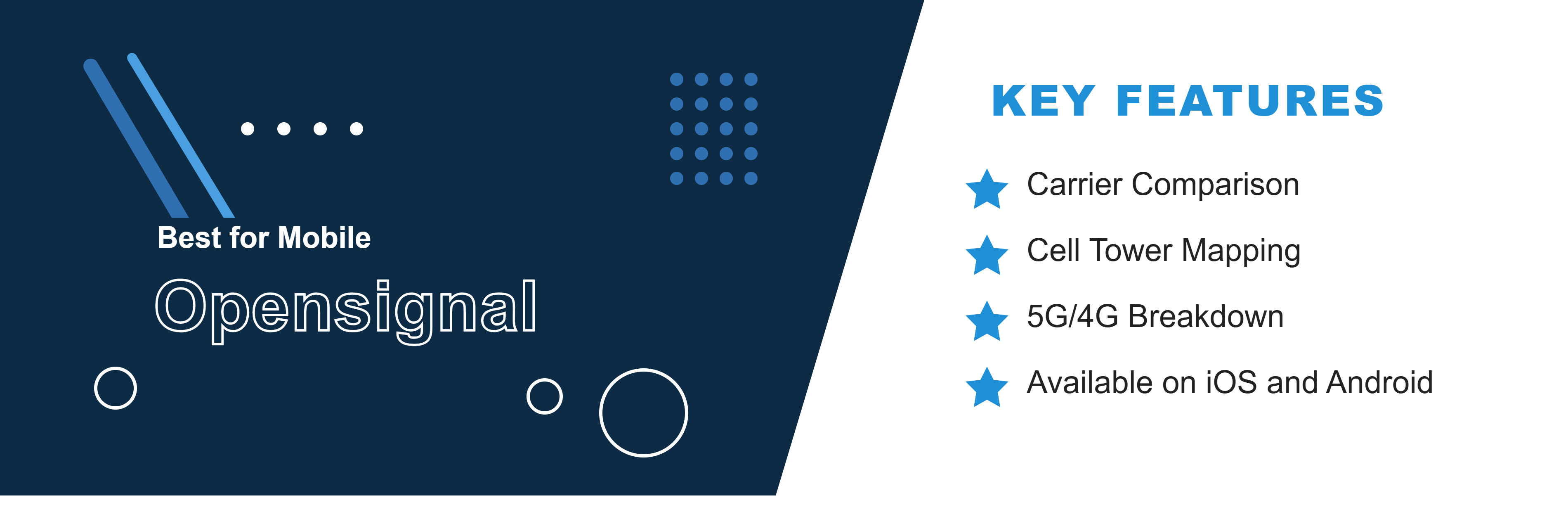
Best for Mobile: Opensignal
Opensignal is built specifically to test cellular and mobile Wi-Fi performance, making it the go-to choice if you're checking speeds on your phone rather than on a home network.
Key features:
- Carrier Comparison: Benchmarks your mobile speeds against other carriers in your area.
- Cell Tower Mapping: Helps you find the nearest cell towers for stronger signal.
- 5G/4G Breakdown: Reports performance separately across network types.
- Available on iOS and Android: Built mobile-first, unlike most desktop-oriented speed tests on this list.
To test your mobile speed with Opensignal, get the app here.
Comparing the Best Internet Speed Tests
Speed Test | Best For | What It Measures | Notable Feature |
TestMySpeed.com | Most detailed, all-around results | Download, upload, ping, jitter | Global server network + mobile app |
Speedtest by Ookla | Best-known / most trusted name | Download, upload, latency, jitter | 45B+ tests run; desktop & mobile apps |
Google Fiber Speed Test | Fastest, no-frills test | Download, upload | Full test in 10–15 seconds, zero ads |
TestMy.net | Most accurate (HTML5-based) | Download, upload, latency | Customizable test size/duration |
Fast.com | Streaming/Netflix users | Download speed only | Netflix-owned, single-click start |
SpeedOf.Me | Mobile-friendly, simple UX | Download, upload, latency | HTML5-based, saves result history |
SpeedSmart | Power users who want history/comparison | Download, upload, ping, network info | Compares your results vs. others in your area |
Xfinity Speed Test | ISP customers wanting a second opinion | Download, upload, latency | Task recommendations based on your speed |
FCC Speed Test App | Holding your ISP accountable | Download, upload, latency, packet loss, jitter | Lets you formally challenge ISP speed claims |
Opensignal | Mobile/cellular speed testing | Download, upload, latency (mobile-specific) | Carrier comparison + cell tower mapping |
How to Choose the Right Speed Test Tool
With so many options, picking the right tool depends on your needs.
- Device Compatibility: Ensure the site works well on your specific device. Some, like SpeedOf.Me, are optimized for mobile.
- Accuracy Factors: Look for HTML5-based tests (like TestMy.net) over older Flash-based ones for better accuracy.
- Server Locations: A test that automatically selects a local server (like Ookla or Google Fiber) will generally give you a more accurate reading of your connection's potential.
What Speed Test Tools Measure
Before diving into the numbers, it helps to know what an internet speed test measures. These tools provide several key metrics to help you understand your connection performance.
- Download Speed: This is how quickly your device can pull data from the internet. It's measured in Megabits per second (Mbps) and is important for activities like streaming videos, loading websites, and downloading files.
- Upload Speed: This measures how quickly your device can send data to the internet. A good upload speed is crucial for video calls, uploading files to the cloud, and online gaming.
- Latency (Ping): This is the reaction time of your connection—how fast a signal travels from your device to a server and back. Measured in milliseconds (ms), low latency is essential for real-time activities like gaming and video conferencing.
- Jitter: This measures the consistency of your ping. High jitter means your connection's response time is unstable, which can cause lag spikes in games or buffering during calls.
When you run a speed test, you're looking at more than just how fast you can download. Understanding each of these components will give you a complete picture of your internet performance.
What Is a Good Internet Speed?
A "good" depends entirely on what you do online. What may be enough for browsing, email, and social media may not be enough for large households with multiple users who stream video, work from home, or game online. TestMySpeed.com suggests that 100-200 Mbps is sufficient for most homes, but that many variables must be considered, and offers guidance on finding the internet speed that works for your needs.
Why Your Internet Speed May Be Slower Than Expected
It's frustrating when your test result doesn't match the plan you pay for. Here are common culprits:
- Network Congestion: Peak hours (usually evenings) can slow down cable connections.
- Wi-Fi Limitations: Testing over Wi-Fi is almost always slower than a wired Ethernet connection.
- Modem/Router Issues: Outdated hardware can throttle your speeds.
- Provider Throttling: Some ISPs manage traffic during high-usage periods.
Test Your Internet Speed with the Best Sites
Understanding your internet speed is the key to optimizing your digital life. Whether you're looking for a good speed or the fastest speed for competitive gaming, regular testing gives you the power to hold your ISP accountable. Don't settle for buffering—test your speeds, compare your results, and ensure you have the connectivity you deserve.
Slow Results Deserve a Fast Next Step.
See Every Internet Provider Available at Your Address.
BroadbandSearch pulls every ISP serving your location so you can compare speeds and pricing and see exactly what better looks like at your address.
Your zip codeBrowse Providers
FAQ
What is the best internet speed test site?
The best options is TestMySpeed.com. It provides accurate results for your download and upload speeds, ping and overall connection performance. Additionally, it’s user-friendly and breaks down what your results mean for your speed.
What is a good internet speed?
Technically, the FCC defines high-speed internet as 100 Mbps down / 20 Mbps up. Speeds of 200 Mbps and above are generally considered fast internet speed, allowing for seamless 4K streaming and large file downloads.
Why is my internet slower than I pay for?
Speeds are often advertised as "up to." Real-world speeds can be affected by Wi-Fi interference, network congestion, and outdated router hardware.
How much internet speed do I need for gaming?
A good internet speed for gaming is around 25-50 Mbps, but low latency (ping) is more important than raw speed. Surprisingly, gaming itself doesn't use massive bandwidth. A fast internet speed for gaming means low ping (ideally under 20 ms) and high jitter stability. Fiber internet is typically the best choice here because it offers the lowest latency.
How much speed do I need for 4K streaming?
You typically need at least 25 Mbps per device to stream 4K content without buffering.
What impacts internet speed the most?
Network congestion, distance from your router (if on Wi-Fi), and the type of connection (Fiber vs. DSL vs. Cable) are the biggest factors.
What is the fastest internet available today?
Residential fiber internet can reach speeds of 2 to 10 Gigs in select areas, currently representing the fastest internet speed available to consumers.
How do I find the fastest internet speed in my area?
Use a provider search tool like Broadband Search to compare plans and find the fastest internet speed in my area.
What do my internet speed test results mean?
Your internet speed test results typically include key metrics such as download speed, upload speed, and ping. Here's what each of these means:
- Download Speed: This measures how quickly data is transmitted from the internet to your device. It’s crucial for activities like streaming videos, downloading files, or browsing the web.
- Upload Speed: This measures how fast data is sent from your device to the internet. It’s important for tasks like video calls, uploading files, or sending large emails.
- Ping (Latency): This indicates the time it takes for data to travel from your device to a server and back, measured in milliseconds. A lower ping is ideal for real-time activities like online gaming or video conferencing.

